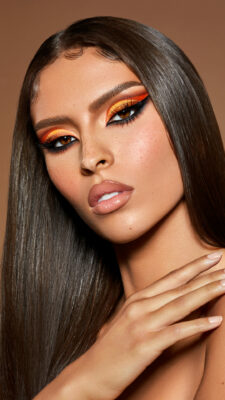
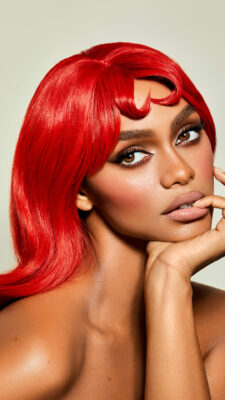
THE BASICS YOU NEED BEFORE RETOUCHING
- Learn how to install and open Photoshop & Capture One
- Understand the essential tools and how to use them
- 100% FREE
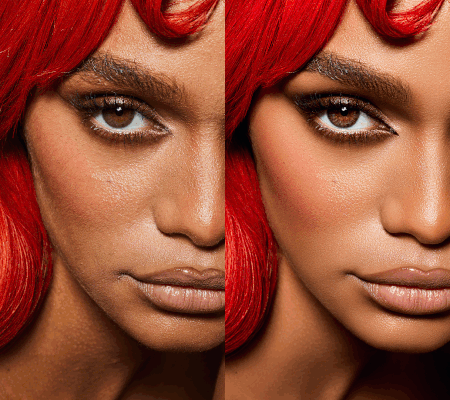
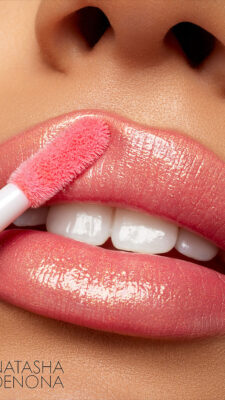
This course won’t just show you how to open the programs. You’ll already start removing blemishes and even change lipstick colors!
– Natascha Lindemann –
This course is for:
BEGINNERS
THE OVERWHELMED ONES
MAKEUP ARTISTS & BEAUTY PROS
… who want to clean skin, remove blemishes, and start retouching their own work
Content
Creators & Models
… who want to create high end beauty photos and videos by themselves without the help of a team, but want to have the professional beauty photo and video look
STARTING NOW takes you Just 1 minute
STEP 1:
STEP 2:
STEP 3:
STEP 4:
COURSE LESSON OVERvIEW
BASE RETOUCHING COURSE
1.1 – Start Your Retouching Journey
1.2 – Set Up Everything the Right Way
1.3 – Why You Need Both: Capture One & Photoshop
2.1 – Open Capture One with me
2.2 The Top Toolbar: What You Actually Need
2.3 – The Side Toolbar: Don’t Get Overwhelmed
2.4 – Masks and Layers – Made Simple
2.5 – Cropping Images for a High-End Look
2.6 – Use Ratings and Filters to Stay Organized
2.7 – Export Settings
+ Additional Download:
PDF with my most important Capture One Shortcuts
3.1 – Open Photoshop With Me
3.2 – Set Up Your Photoshop Workspace
3.3 – Layers in Photoshop – Edit Smarter
3.4 – Masks: Easy and Powerful
3.5 – Blending Modes: One Click = Big Difference
3.6 – The Most Important Retouching Tools
3.7 – Exporting for Instagram, Clients, and Print
+ Additional Download:
PDF with my most important Photoshop Shortcuts
4.1 – You’re not done, you’re just getting started!
SIGN UP NOW & GET ACCESS TO THIS FREE COURSE
PLATFORM PREVIEW
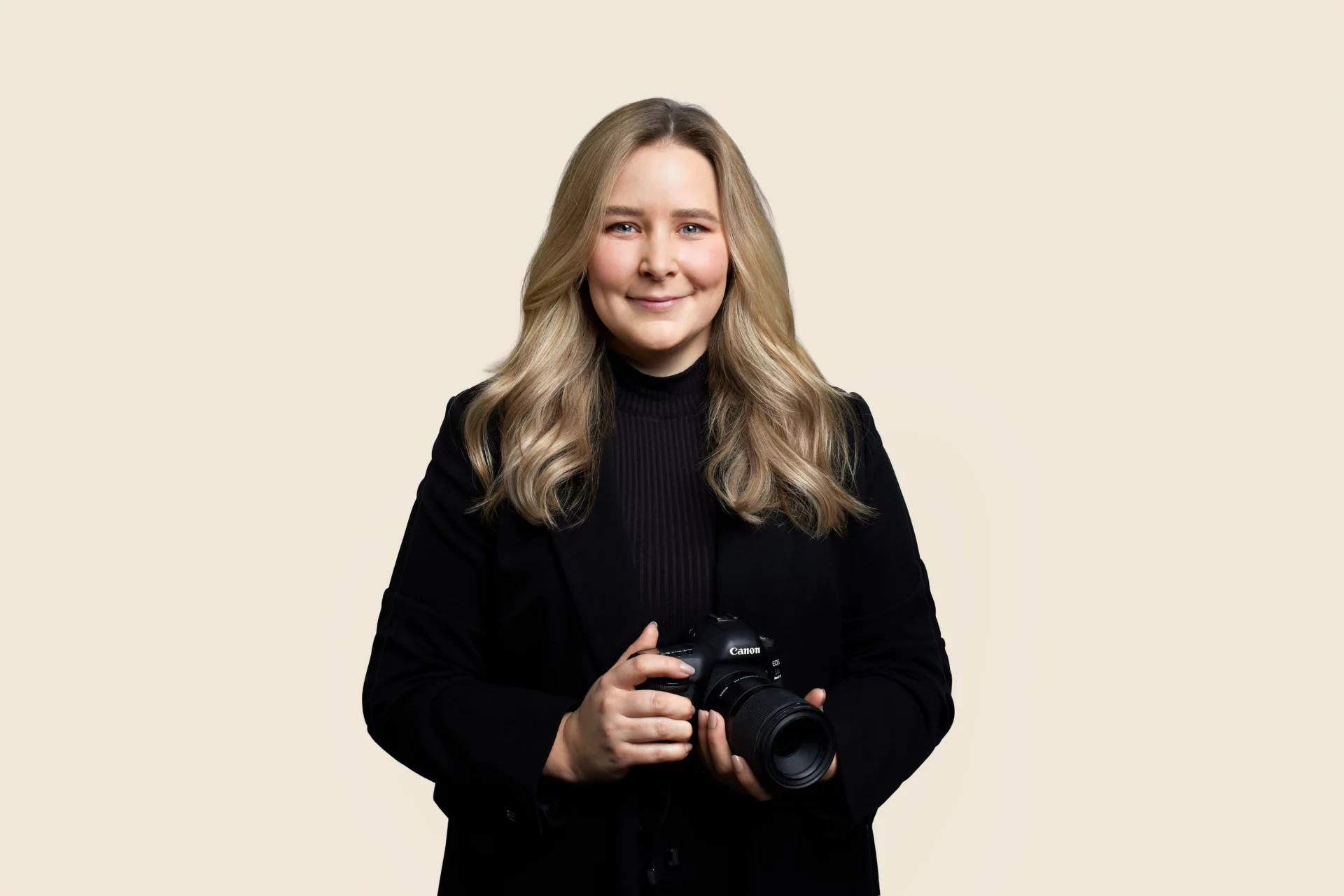
Your teacher
NATASCHA LINDEMANN
– International beauty photographer –
Hi, I’m Natascha – international beauty photographer, teacher, and founder of this platform.
When I first opened Photoshop and Capture One, I was completely lost. I didn’t understand why we needed different programs, how they worked together, or what tools were even important for beauty photography. And honestly? YouTube and forums only made it more confusing.
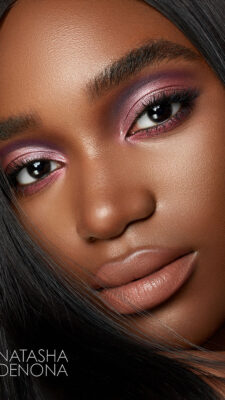
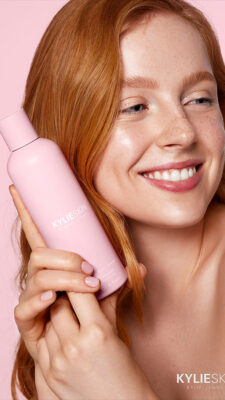
Now, after years of working with clients like Natasha Denona, MAC Cosmetics, and Vogue Italia, I know exactly which basics are truly essential and which ones are just noise.
This FREE course is the introduction I wish I had. It’s made to give you clarity, confidence, and the exact starting point you need before diving into beauty retouching.
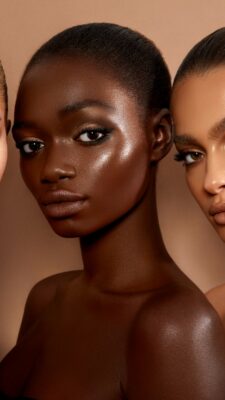
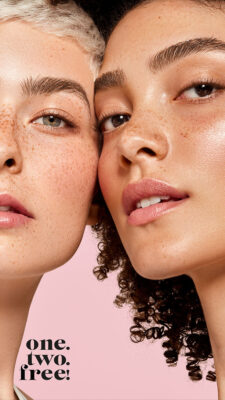
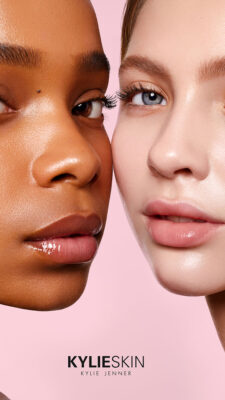
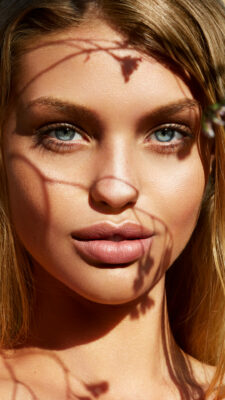
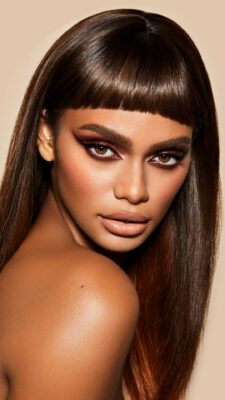
Natascha's Portfolio


CLIENTS WHO TRUST NATASCHA's SKILLS
kylieskin – müller – Mac Cosmetics – Natasha Denona – rosenthal – sephora – six – unilever – wycon – caia cosmetics – kylieskin – müller – Mac Cosmetics – Natasha Denona – rosenthal – sephora – six – unilever – wycon – caia cosmetics
bh cosmetics – demakup – Diego dalla palma – douglas – dm drogeriemarkt – dyson – hercules sägemann – hudabeauty – bh cosmetics – demakup – Diego dalla palma – douglas – dm drogeriemarkt – dyson – hercules sägemann – hudabeauty –
Bekannt aus
START TODAY AND PERFECT YOUR RETOUCHING WITH EXPERT GUIDANCE